
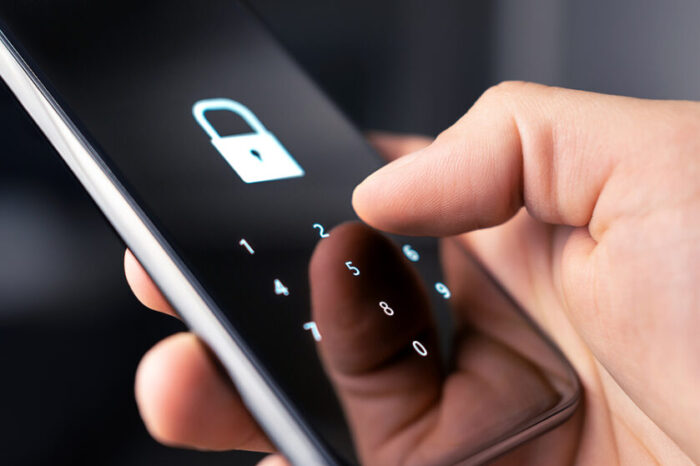
Mobile Device Security
So much of our daily lives revolve around our mobile devices: we bank from them, control social media with them, even our photo vault and personal data are stored within them. Some of us even store payment information in our digital wallets to take advantage of the convenience of ApplePay or GooglePay. Below are some simple ways to help keep mobile devices secure and make it harder for threats to sneak in.
- One of the most important strategies to keep a mobile device secure is to implement the use of multifactor authentication. There are numerous apps and websites that can be used to perform multifactor authentication to secure apps on a device, such as Google Authenticator, Microsoft Authenticator, etc. Even locking apps behind Face ID or a passcode is a form of multifactor authentication.
- When downloading apps, make sure the apps are being downloaded from secure and official sources like the Apple App Store and the Google Play Store. These repositories make sure apps are verified and do not contain malicious code. Using unknown or unofficial sources to download apps takes away the ability to verify the apps are safe and secure.
- Always keep mobile device software and apps updated. Every day, new malicious threats are born. Security patches are developed to block these threats and ensure software and devices remain protected.
- Be very careful when connecting to public or open Wi-Fi and only connect if absolutely necessary. If connecting is necessary, it is important to stay off any apps that may contain sensitive data (i.e. banking apps), as public and open WiFi tends to create an open invitation for security threats.
- Install security software that allows tracking a lost or stolen device. Many times, this software also allows for the ability to remotely lock and erase the device, if need be. Apple’s “Find My” is an example of such software.
- Be cognizant of spam phone calls. There are so many callers out there masking themselves as a user’s bank or credit card company. These callers will use a phone call staying that a user’s account has been compromised to try and get the user to provide banking or credit card information over the phone in order to hack the accounts themselves. Android phones have the ability to filter spam calls by simply opening the Phone app > Settings > Caller ID & Spam > Enable “Filter Spam Calls.” Apple users can silence potential spam calls by going to Settings > Phone > Toggle “Silence Unknown Calls. Additionally, there are also third-part apps that can be installed, such as Nomorobo (blocks spam calls) and Truecaller (identifies spam calls).
The key is to just be careful. One slip-up and a malicious person or threat can take control of all of the data on a mobile device.